“I keep missing due dates.”
You're not careless. Bills come in a dozen ways, each with its own terms, and there's no one place that tells you what's due this week. Here's how to fix that, with or without ShopBills.
Why it happens
Handed over at delivery, mailed, emailed, left in the truck. No single pile means no single picture.
Net 15 from one, net 30 from another, cash on delivery from a third. Keeping that in your head stops working after a few suppliers.
It's often one line near the bottom, or something you work out from the invoice date. Easy to miss on a busy day.
Five fixes you can start today
- Give every bill one home
One tray, one folder, one app. The moment a bill arrives, it goes there. Nothing lives in the truck or a jacket pocket.
- Write the due date where you'll see it
Work out the real due date (the invoice date plus the terms) and write it big across the top of the bill.
- Keep a 15-minute bill day
Same day every week. Look at everything due in the next 10 days and decide what to pay.
- Put due dates in your phone's calendar
A reminder the day before beats remembering. Your phone is with you; the paper isn't.
- Mark bills paid right away
Note the date and how you paid. It stops double payments and settles “did we pay that?” in seconds.
How ShopBills does it for you
1. Snap it when it arrives
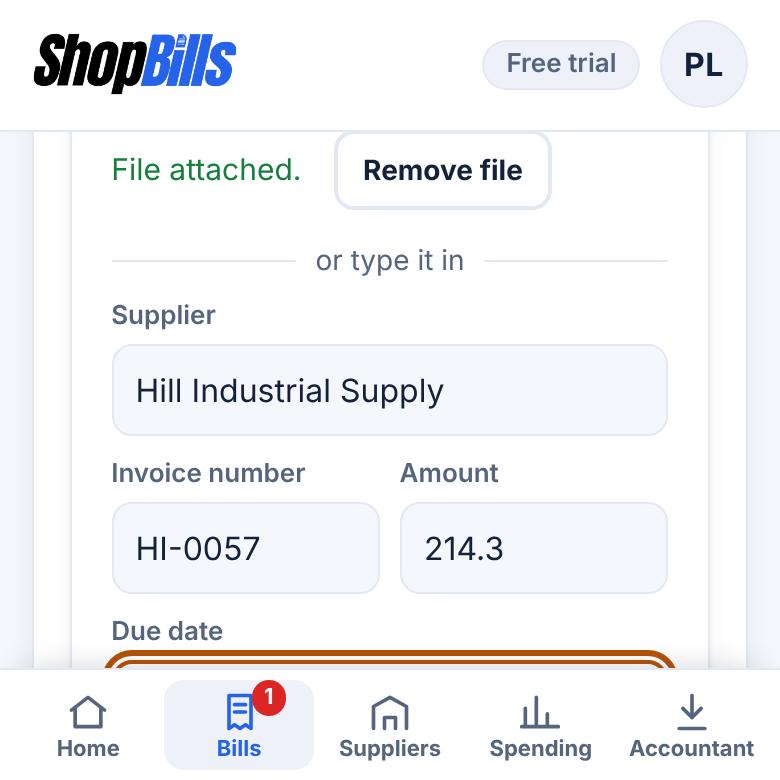
Take a photo or upload the PDF. ShopBills reads the supplier, amount and due date, and highlights anything you should double-check.
2. See what's due at a glance
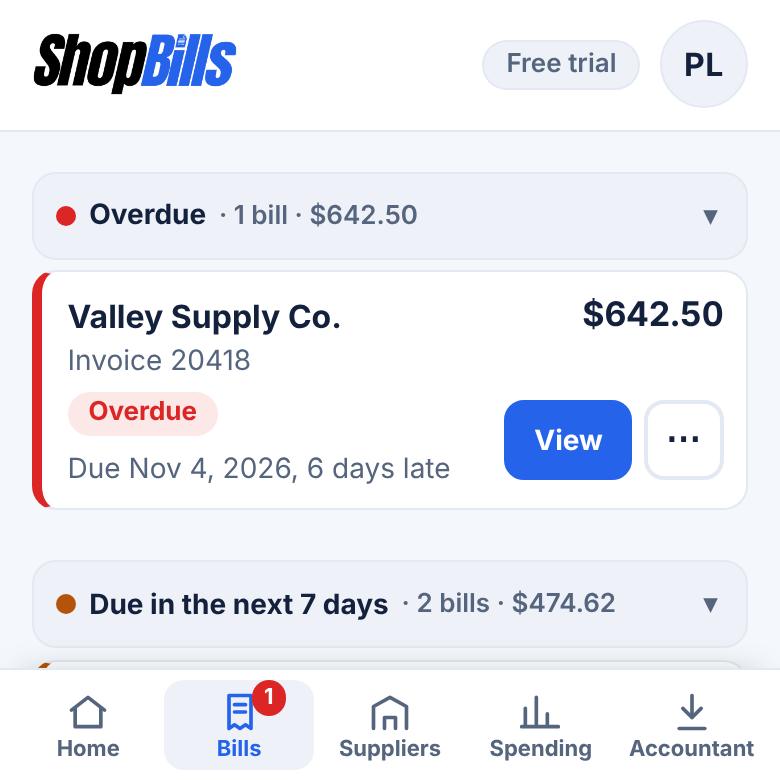
Every bill in one list. Overdue bills turn red, bills due soon turn amber, and Home shows what you owe this week.
3. Get reminded
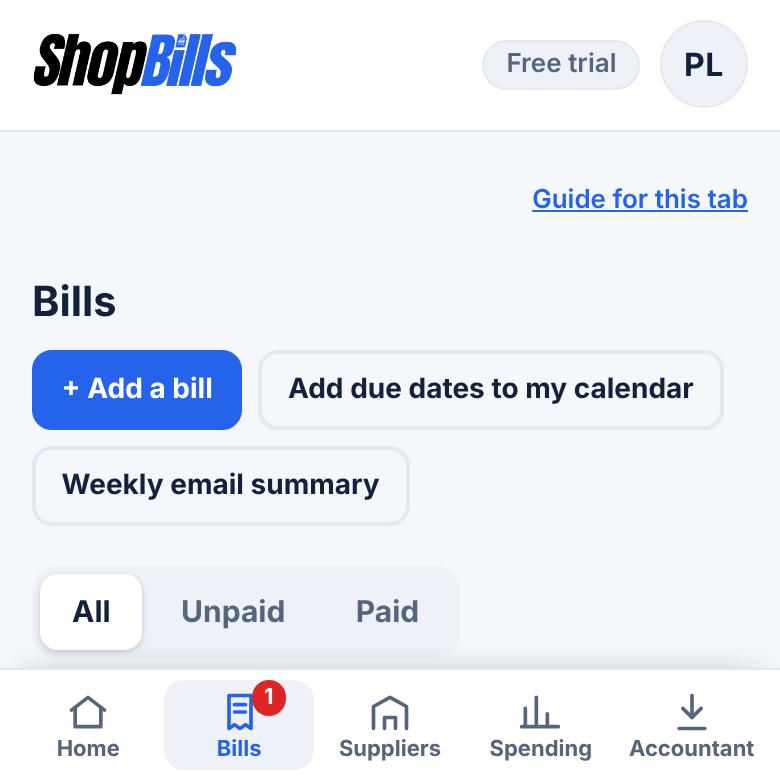
Add your due dates to Google, Apple or Outlook calendar, with a reminder the morning before. On Plus and Pro, you can also get a weekly email of what's due.
It happens in every kind of business
Utilities, repairs and service calls across several buildings, each bill with its own due date.
Supply-house invoices ride around on the dashboard until the account goes on hold.
Product orders on net 30 are easy to forget until the supplier calls.
Common questions
Does ShopBills pay my suppliers?
No. It keeps track of your bills and never touches your bank account. You pay the way you do today and mark the bill paid.
What if the photo is blurry?
ShopBills highlights anything it's unsure of so you can check it before saving. You can always type a bill in by hand, too.
Can someone else on my team add bills?
Yes. Plus includes 3 logins and Pro includes 10. You choose who can add and edit bills and who can only view them.
Never be surprised by a due date again
Try ShopBills free for 30 days. Every feature, no credit card.
General information, not financial, tax, or legal advice.