“My supplier's prices keep creeping up.”
Nobody calls to tell you. The same order costs a little more this month, the delivery fee went up again, and a new fuel charge shows up at the bottom. Here's how to spot it early, with or without ShopBills.
Why it happens
A few cents on one item never stands out. You only feel it when the month's costs are off and you can't say why.
The new invoice gets checked against the delivery, if at all, not against what you paid last month. Last month's is already in a folder.
Fuel charges, delivery fees, a smaller package at the same price. The total goes up even when the item price looks the same.
Five fixes you can start today
- Write down what you agreed
Keep a short list of the items you buy most and the price for each supplier. One page is enough.
- Check your top ten items, not every line
A handful of items make up most of each bill. Compare those against your list when the invoice comes in.
- Look at the bottom of the invoice too
Fuel charges, delivery fees, small-order fees and rounding. Ask about any fee you didn't agree to.
- Ask for notice before prices change
Ask your rep to send new prices before they start, not after. Most will, if you ask.
- Get a second quote now and then
Once or twice a year, price your top items with another supplier. Even if you stay, you'll know what fair looks like, and your rep will know you checked.
How ShopBills does it for you
1. Every supplier's bills in one place
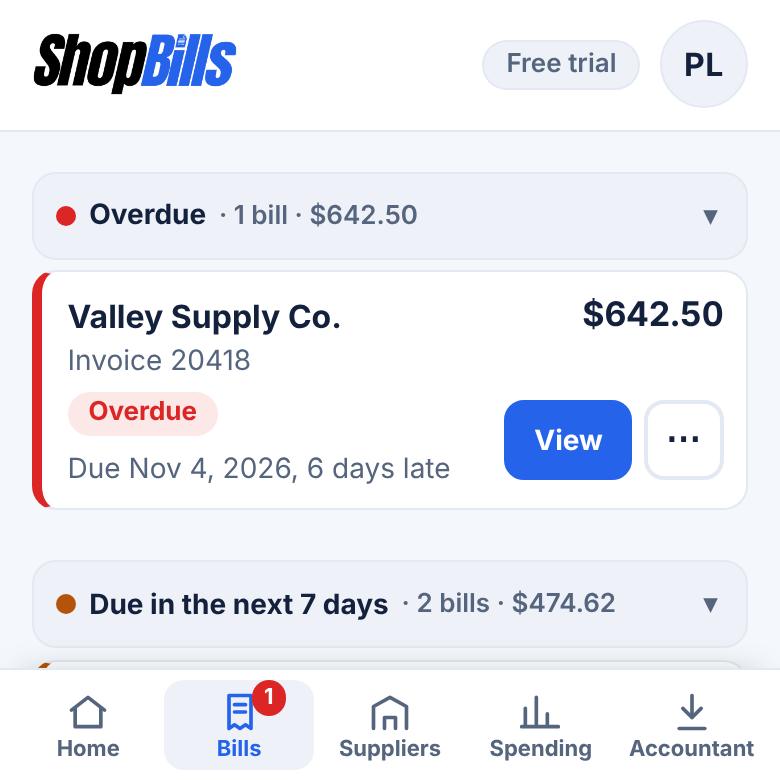
Snap or upload each invoice and ShopBills keeps the file with the bill. Search by supplier on any plan to pull up last month's invoice next to this one in seconds.
2. A heads-up when a bill jumps
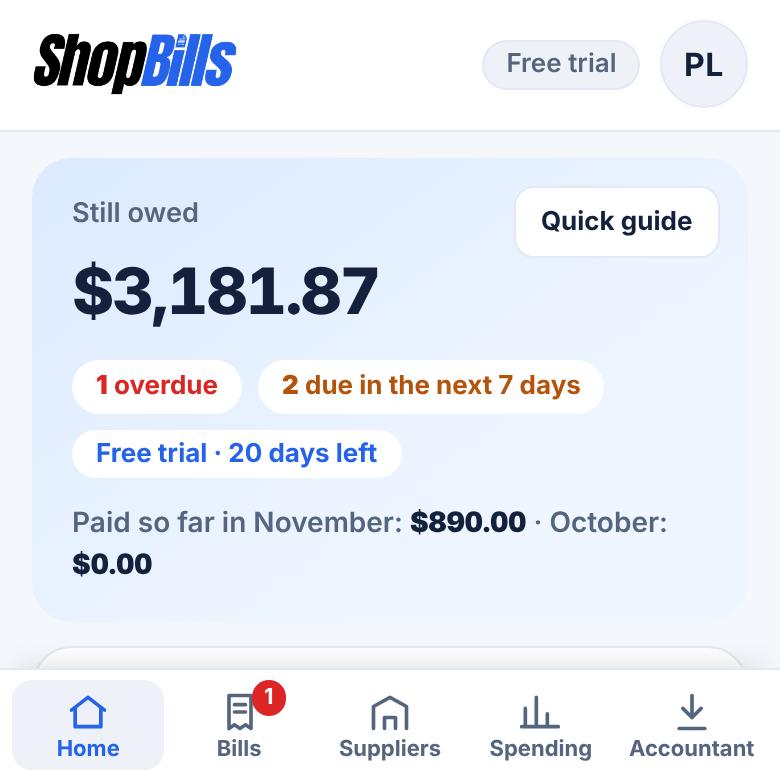
On Pro, Insights on Home flags a supplier's latest bill when it's much higher than their usual bills, so you know which invoice to look at first.
3. See the trend by supplier
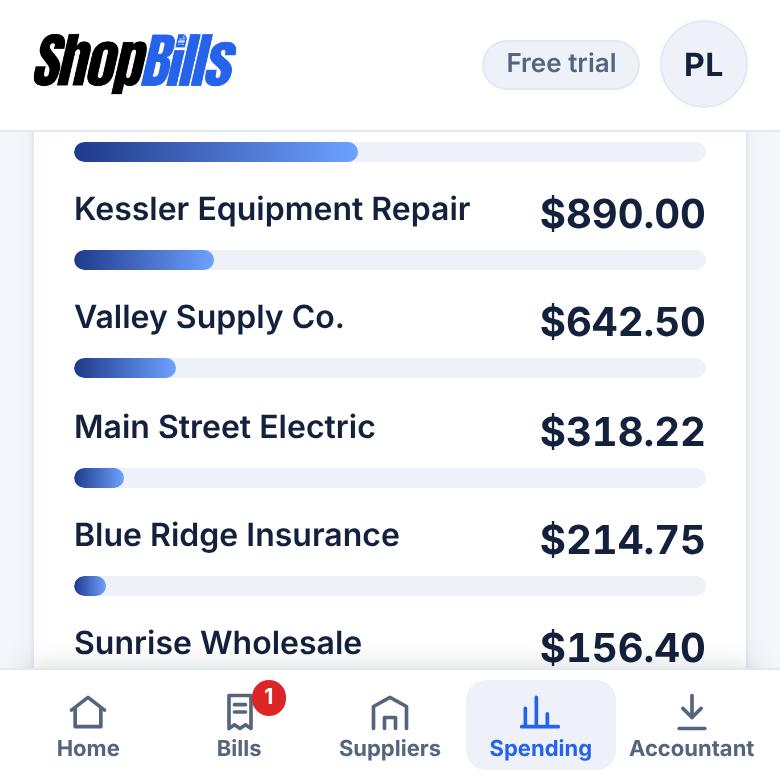
On Pro, the spending summary shows what you spent with each supplier and in each category, and you can set a monthly spending limit for a supplier with a reminder when you get close.
It happens in every kind of business
Supply-house prices on lumber, wire and fittings change between the quote and the job.
Parts prices and core charges shift from one order to the next, and the invoice has a dozen lines.
Wholesale prices and shipping fees creep up between seasons, and the margin shrinks quietly.
Common questions
Does ShopBills check the price of each item?
No. It compares bill totals, not line items. On Pro, Insights flags a bill that's much higher than that supplier's usual bills, which tells you which invoice to open and check line by line. A bigger order can trigger it too, so take a look before calling the supplier.
What's on the free plan?
The supplier list, search, and keeping the original invoice file are on every plan, so you can always pull up an old invoice to compare. Insights, the spending summary and monthly spending limits are on Pro.
What else should I check on each invoice?
Quantities, the math, duplicates and the due date. The quick answer “5 things to check on every supplier invoice” on Shop Talk walks through them.
Know when a supplier's bills go up
Try ShopBills free for 30 days. Every feature, no credit card.
General information, not financial, tax, or legal advice.