Shop Talk › Where the money goes
Bill tracking: spreadsheet or an app?
A spreadsheet is a fine place to start. Plenty of businesses run on one for years. The question is whether it still tells you what you need to know.
A spreadsheet is enough when…
- You have a handful of suppliers and a few bills a month.
- One person handles every bill.
- You actually open it every week.
Signs you've outgrown it
- You've paid a late fee, or paid the same bill twice.
- The invoices live in one place and the spreadsheet in another.
- Someone else needs to see it, and you're emailing copies back and forth.
- You can't answer “how much did we spend with this supplier last quarter?” without an afternoon of sorting.
What an app adds
| Spreadsheet | Bill app | |
|---|---|---|
| Warns you before a due date | Only if you set it up | Yes |
| Keeps the invoice with the bill | No | Yes |
| Reads invoices for you | No | Usually |
| Spending by supplier | With formulas | Built in |
| Cost | Free | Free to paid |
How ShopBills helps
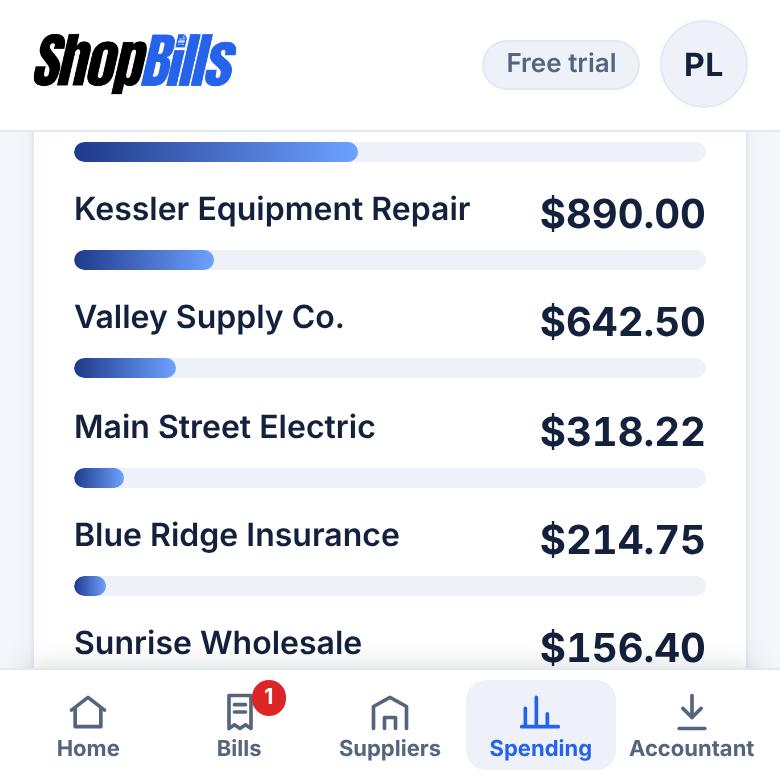
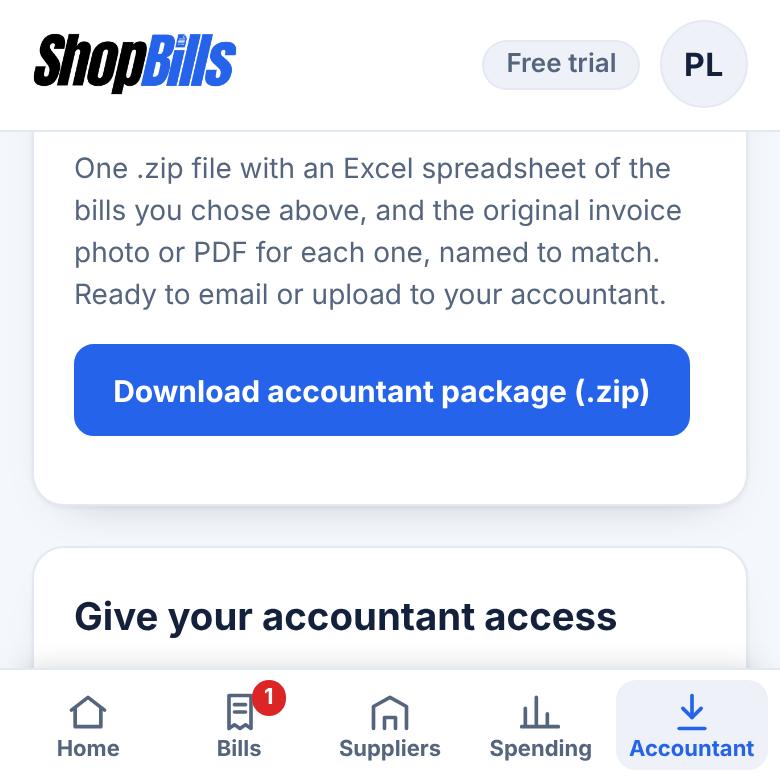
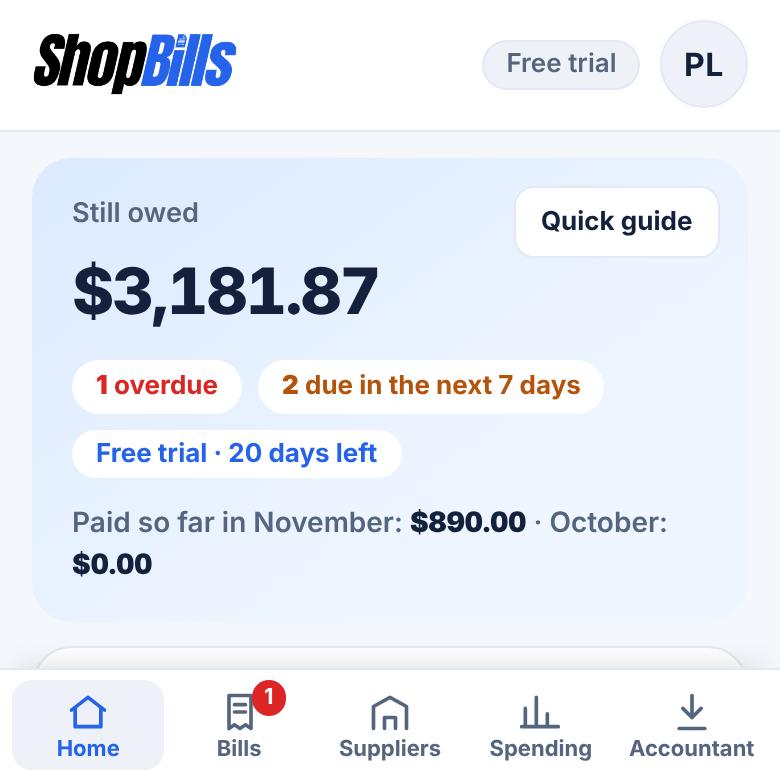
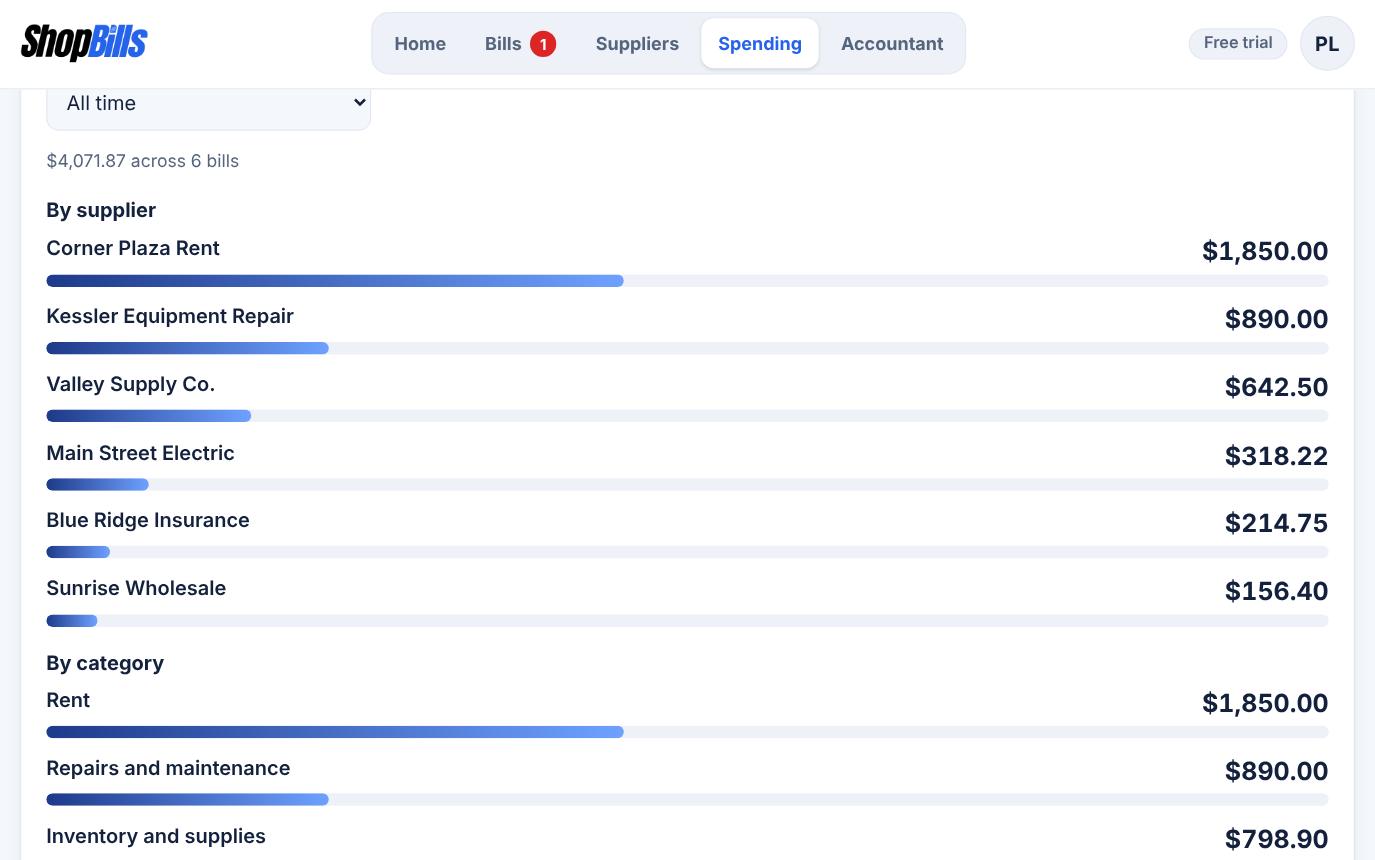
You don't have to start over: ShopBills can import your spreadsheet, and you can always download your bills back to Excel. The free plan keeps up to 15 bills. On Pro, the spending summary shows what you spent by supplier and category.
Bring your spreadsheet along
Try ShopBills free for 30 days. Every feature, no credit card.
General information, not financial, tax, or legal advice.