“Typing invoices in takes forever.”
Supplier, invoice number, amount, due date, category: for every bill, every week. Here's how to type less, with or without ShopBills.
Why it happens
Most of what you type, like the supplier's name, terms and category, never changes from one invoice to the next.
Ten minutes a day feels fine. Saved up for Sunday night, it's two hours.
One wrong digit in an amount or due date, and you only find out when the numbers don't add up.
Five fixes you can start today
- Enter bills the day they arrive
A minute each at delivery beats an evening of catching up.
- Only type what you'll use
Supplier, amount, due date and category cover most needs. Skip the line items unless you really use them.
- Save your regulars
Keep each supplier's name, usual category and terms in one place so you're not typing them again.
- Set up repeating bills once
Rent, insurance and utilities come every month. Enter them once as repeating bills.
- Read it back before saving
A five-second check of the amount and due date catches most mistakes.
How ShopBills does it for you
1. Snap or upload
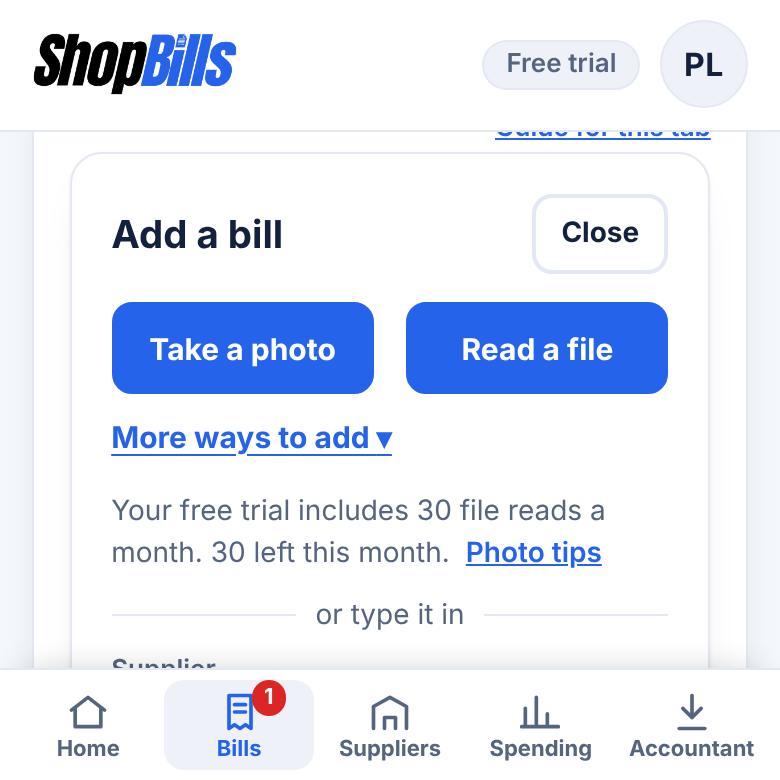
Take a photo or upload the PDF. To catch up on a stack, choose Read several invoices under More ways to add.
2. It fills itself in
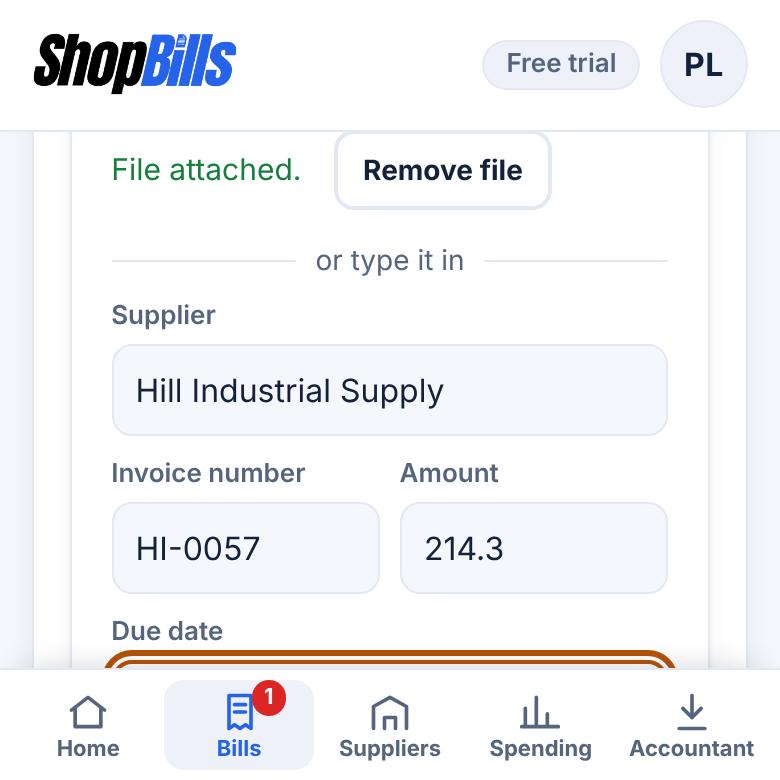
ShopBills reads the supplier, invoice number, amount and due date. Anything it isn't sure of is highlighted for you to check.
3. Save and move on
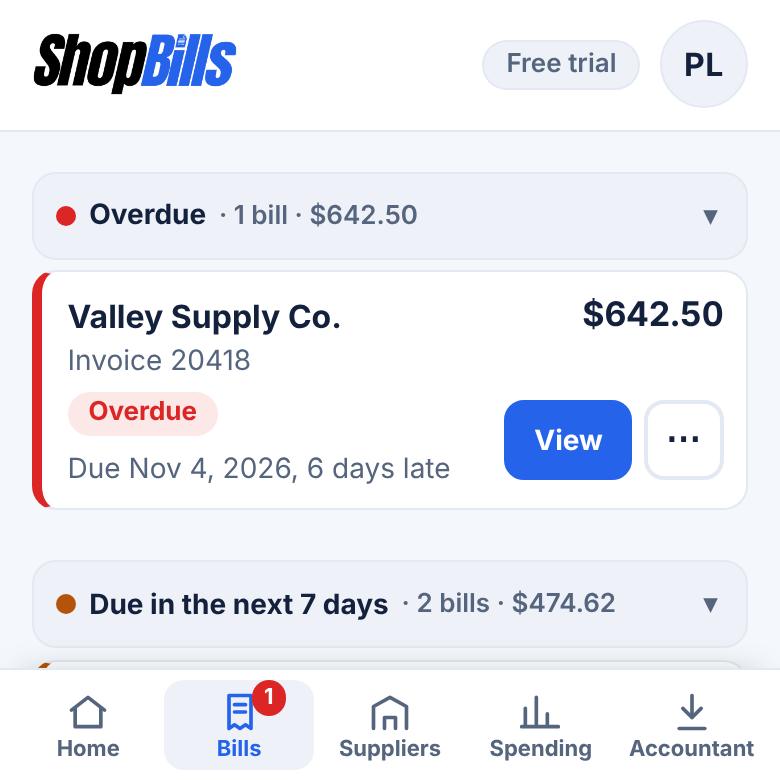
Your supplier list remembers each supplier's usual category and payment terms. Set up rent and other repeating bills once. Already have a spreadsheet? Import it.
It happens in every kind of business
Supplies, uniforms, equipment rentals and fuel, each from a different vendor with its own invoice.
Parts invoices several times a day, each with its own invoice number.
Wholesale orders with long invoices at the start of every season.
Common questions
How many invoices can it read?
Free reads 3 a month, Plus reads 30 a month, and Pro has no monthly limit (fair use). Typing a bill in by hand is always free.
Does it read handwriting?
It does best with printed invoices and PDFs. It highlights anything it can't read clearly so you can fix it before saving.
Can it suggest a category?
On Pro, ShopBills suggests a category when it reads an invoice. On every plan, a supplier's default category fills in for you.
Spend your evenings on something else
Try ShopBills free for 30 days. Every feature, no credit card.
General information, not financial, tax, or legal advice.